
A correct AI label sits visibly on the image, without a click, for example in the top right corner, and states clearly that the image was generated (“AI GENERATED”) or modified (“AI MODIFIED”) with AI; a text alternative for screen readers goes with it. Images that leave your store need a burned-in label or the platform’s own labelling route. A “stock image” or “illustrative image” note, a notice in the footer or terms, a tooltip or metadata alone is not enough. The examples show real AI images with the official EU icons.
This is what an AI label that does its job looks like. All example images on this page were generated or modified with AI (test bench of Easy AI Act Image Labels, 1 September 2026, using ChatGPT, Canva, Adobe Firefly and Shopify Tinker) and therefore carry a label themselves. The icons are the official EU icons, free to use without attribution. Which images need a label at all is covered in Which images in your store need an AI label?, the obligation as a whole in EU AI Act Article 50 explained.
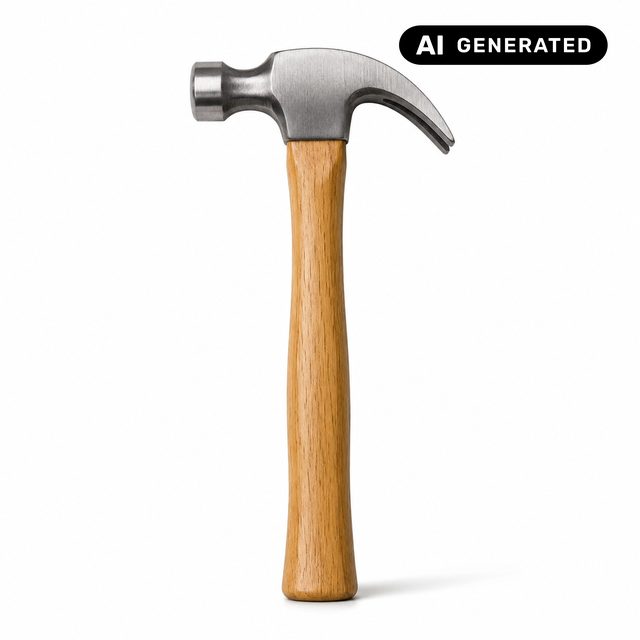
Example 1: AI product image with a label in the top right corner
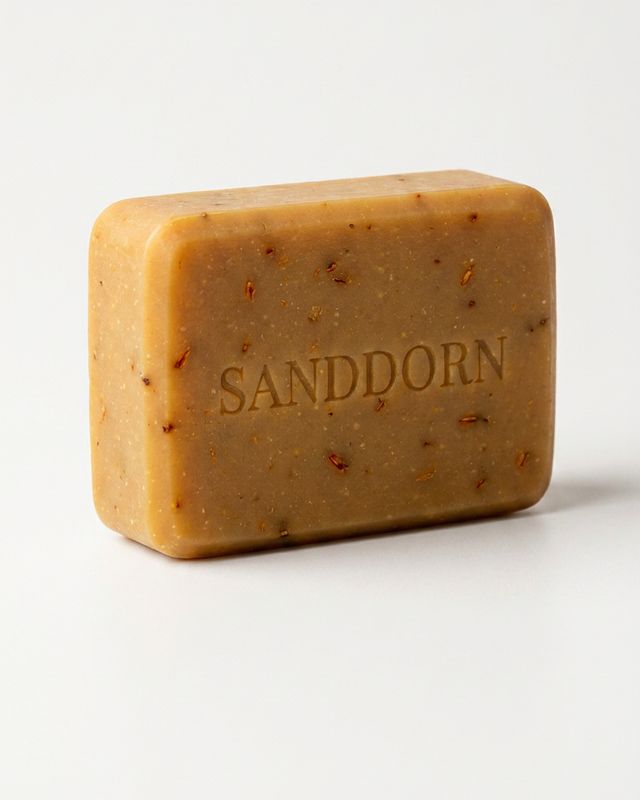
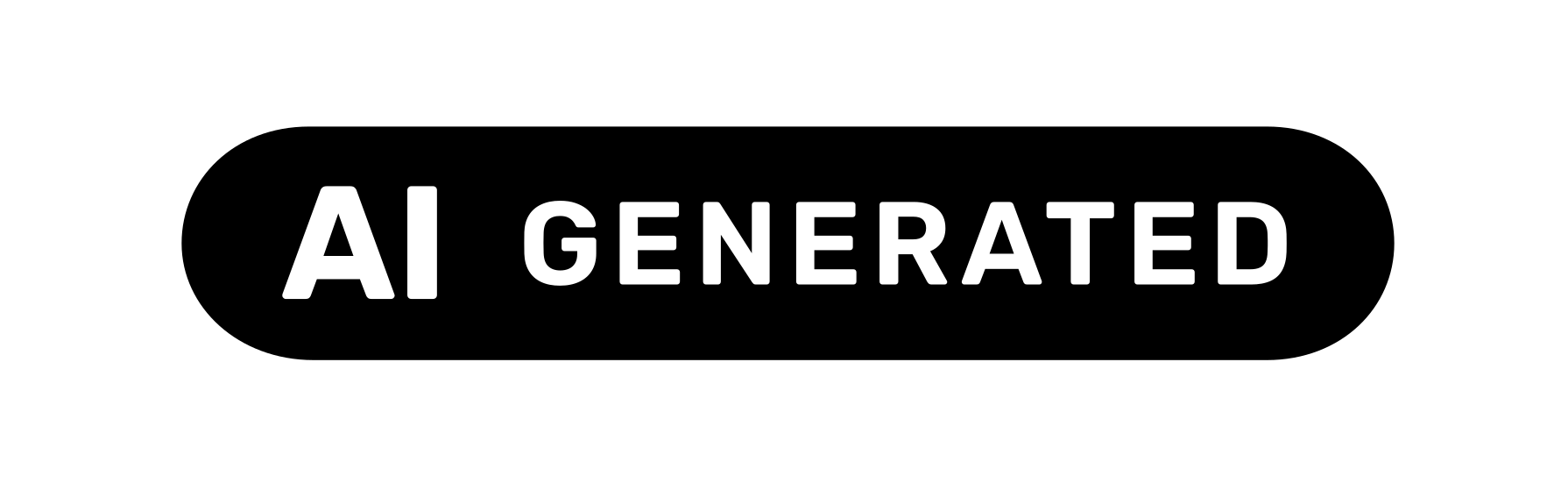
The image was created from a prompt without a source photo, so AI GENERATED fits. The label sits in the top right corner, where no other elements are; the Code of Practice gives this spot as an example (sub-measure 1.2.2(a)). It is visible without a click, and as an overlay in the store it is an equivalent alternative to an embedded icon (sub-measure 1.2.1(c)). For screen readers, the label’s alt text carries the message.
Example 2: AI scene with a product

Lifestyle and usage scenes look like photos and therefore regularly need a label. Again AI GENERATED, because there was no source photo. If the image is part of a gallery with real photos, only this image gets the label.
Example 3: Real product photo on an AI background
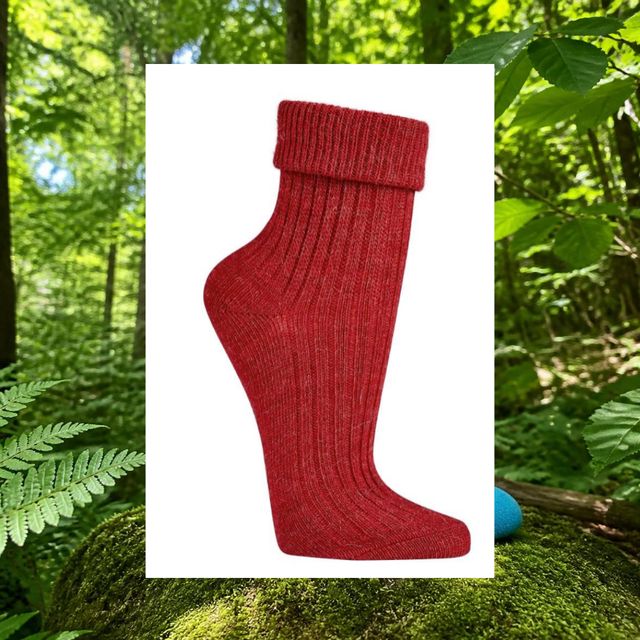
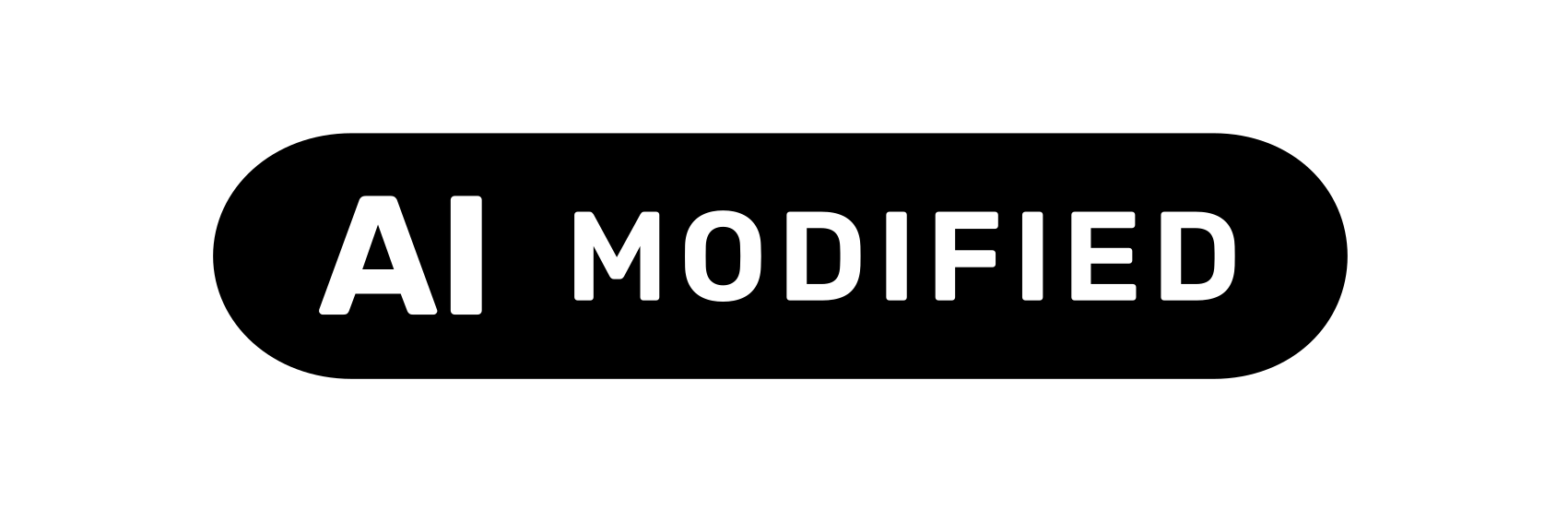
Here there was a real photo, and AI only changed the surroundings. The Commission guidelines consider replacing a background for clearly aesthetic purposes to be of minor impact (paragraph 116); a label is then usually not required, as long as the product itself is shown unchanged and not misleadingly. If you label anyway, for example because the scene is meant to look real, use AI MODIFIED, never AI GENERATED. If AI changes the product itself, AI MODIFIED is the minimum. More: AI background, cut-out, retouching.
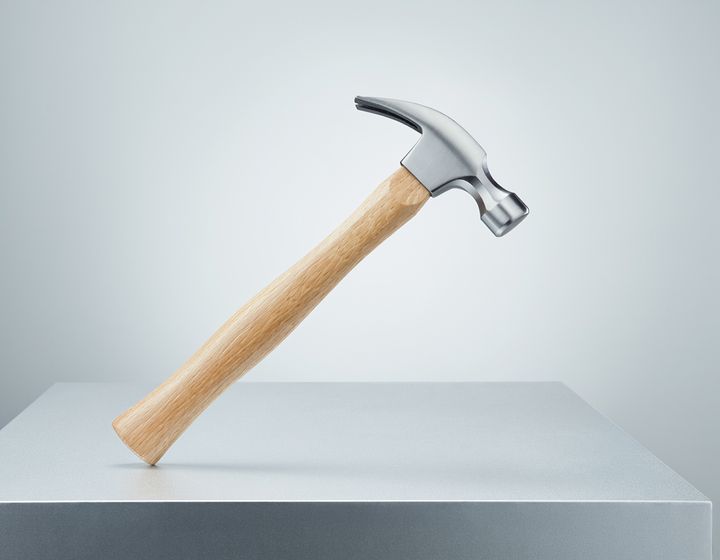
Example 4: Label burned in for ads and social media
The store overlay does not travel with the image when it goes into an ad, a feed, a marketplace or a social media post. For that you need a copy with the label fixed in the pixels, or the platform’s own labelling route. The original stays unlabelled so you can derive the right version for each channel. Some marketplaces prohibit text in images; which route applies where is in AI label: overlay or burned into the image? The free AI label generator creates such a copy in your browser.
Example 5: Caption directly under the image
AI-generated image
A caption meets the obligation as well, provided it is clearly attached to the image and visible without expanding anything. It works well in blog posts or lookbooks. In swipeable product galleries, a label in the image is usually safer, because captions there often do not match the image currently shown.
Which wording is right?
The Commission does not prescribe a mandatory text. These wordings work, sorted by use:
| Wording | When | Assessment |
|---|---|---|
| “AI GENERATED” (EU icon) | created entirely with AI, no source photo | official icon, the same across the EU |
| “AI MODIFIED” (EU icon) | real photo, substantially changed with AI | official icon, the same across the EU |
| “AI-generated image”, “Created with AI” | caption, alt text | short and unambiguous |
| “Edited with AI” | caption or alt text for a modified photo | unambiguous |
| “AI” alone (basic icon) | only with text right next to it | ambiguous on its own |
| “Stock image”, “Illustrative image” | never as an AI label | says nothing about AI |
| “Digitally created”, “Digital rendering” | never as an AI label | too vague |
The EU icons only exist with English wording. The Code of Practice deliberately uses the acronym “AI” as a sign recognisable across the EU (measure 1.1(a)). Where national language laws require it, add the local language next to it. More in Which language does the AI label have to be in?
Examples of alt text for screen readers
Screen readers do not see a label inside the image. Add a text alternative, either in the image’s alt text or as an aria-label on the overlay:
<img src="soap.jpg" alt="AI-generated image: bar of soap embossed with Sanddorn on a light background">

<span role="img" aria-label="AI-generated">…</span>
Article 50(5) refers to the applicable accessibility rules for this; most online stores in Germany and Austria are subject to such rules. Details: Is your AI label accessible?
Examples for videos, chatbots and text
- AI video: the “AI GENERATED” icon in the top right corner from the first second, repeated at intervals in longer videos and again after breaks (Code of Practice sub-measure 1.2.2(b)). More in Labelling AI videos.
- Chatbot: a first message such as “Hi, I am an AI assistant and answer questions about orders and products.” and a permanent “AI assistant” notice by the input field (Guidelines, paragraph 37). A name like “Lisa” without a notice is not enough.
- Text, where required: a sentence at the start such as “This text was created with AI.” Product copy usually does not need this, see AI texts and AI chatbots in your online store.
Not like this: examples that do not count
| Example | Why it does not count |
|---|---|
| Caption “Illustrative image” | says the image does not show the exact product, not that it comes from an AI |
| “We use AI” in the footer, terms or on a separate page | easily overlooked, not attached to the content (Guidelines, paragraph 142) |
| Label only on hover or in the zoom view | requires an action, often not visible at all on mobile |
| Label covered by “Sale” or “New” badges | not clearly recognisable; the code asks for a spot without intervening overlay elements |
| Tiny or low-contrast label | not noticeable, therefore not clear (paragraph 142) |
| Only C2PA metadata in the file | invisible to viewers (paragraph 117) |
| One notice for the whole store instead of each image | the obligation applies to each output (paragraph 143) |
Create your own label
For single images, the free AI label generator places the official icon in the right corner and size and gives you a copy with the label burned in; the file does not leave your device. For the whole catalogue, the Easy AI Act Image Labels app reads the provenance data in your Shopify originals, suggests AI GENERATED or AI MODIFIED for hits, leaves the decision to you and shows the label as an overlay. Images without provenance data you need to know and add yourself.
Labelling remains your decision and your responsibility as a deployer.
Frequently asked questions
Where does the AI label have to sit on the image?
The law does not prescribe a position, only that the information is clear and distinguishable at the latest at first exposure (Article 50(5) AI Act). The Code of Practice names a spot without intervening overlay elements, for example the top right corner (sub-measure 1.2.2(a)). What matters is that the label is visible without a click, hover or zoom and is not covered by other badges.
AI GENERATED or AI MODIFIED: which label should I use?
It depends on whether there was a source photo. If the image was created entirely from a prompt, use AI GENERATED. If AI substantially changed a real photo, use AI MODIFIED. If you are unsure, use AI GENERATED; the stronger statement is never the mistake. Standard editing such as cut-outs or colour correction usually needs no label at all.
Does the AI label have to be in the local language?
The AI Act does not prescribe a language, and the official EU icons only exist in English; the Code of Practice uses the acronym “AI” as a sign recognisable across the EU. Some countries’ language laws, for example in France, Italy and Poland, may require the local language next to it. Details: “Which language does the AI label have to be in?”.
Is a small “AI” in the corner enough?
Only if it is easy to notice and a text right next to it carries the message. An acronym on its own is ambiguous; according to Annex 1 of the Code of Practice, variants with a clear textual label (such as “modified”) performed significantly better in testing. If the image stands alone, the word belongs in the label.
Does every image in a gallery need its own label?
Yes, if it is an AI image that looks real. The information applies to each output with respect to every viewer (Guidelines, paragraph 143). One caption for the whole gallery is only enough if it states clearly which images it refers to; real photos in the same gallery get no label.
Sources
- Regulation (EU) 2024/1689 (AI Act), CELEX 32024R1689, Article 50(4) and (5). publications.europa.eu (accessed 4 October 2026)
- European Commission, Guidelines on the implementation of the transparency obligations under Article 50, Annex to C(2026) 5054 final of 20 July 2026, paragraphs 116, 117, 142, 143. ec.europa.eu (accessed 4 October 2026)
- Code of Practice on Transparency of AI-generated Content of 10 June 2026, measure 1.1, sub-measures 1.2.1 and 1.2.2, Annex 1. ec.europa.eu (accessed 4 October 2026)
- European Commission, EU icons for labelling AI-generated content (page as of 24 September 2026). digital-strategy.ec.europa.eu (accessed 1 October 2026)